
How does matching goods receipts with incoming invoices work?
Learn how matching goods receipts with incoming invoices helps keep purchasing, approval and accounting processes clear in Q.Invoice.
Still entering your received invoices manually?
You don't have to anymore - we make it simple.
Invoices, receipts and other documents can be processed faster and more clearly. Read on to discover all the benefits waiting for you, or try them out right away.











Received invoices are automatically uploaded and extracted using AI. The application recognizes important data from invoices, receipts and other documents and prepares them for review or further processing. It reduces errors and saves time
Multi-level online approval of received documents with clearly defined user rights ensures control and visibility over the entire process. It speeds up the workflow and helps keep every document under control.
Integration with accounting and ERP systems allows Q.Invoice to connect with your business environment. Approved received documents can be automatically transferred to your accounting system and prepared for posting.


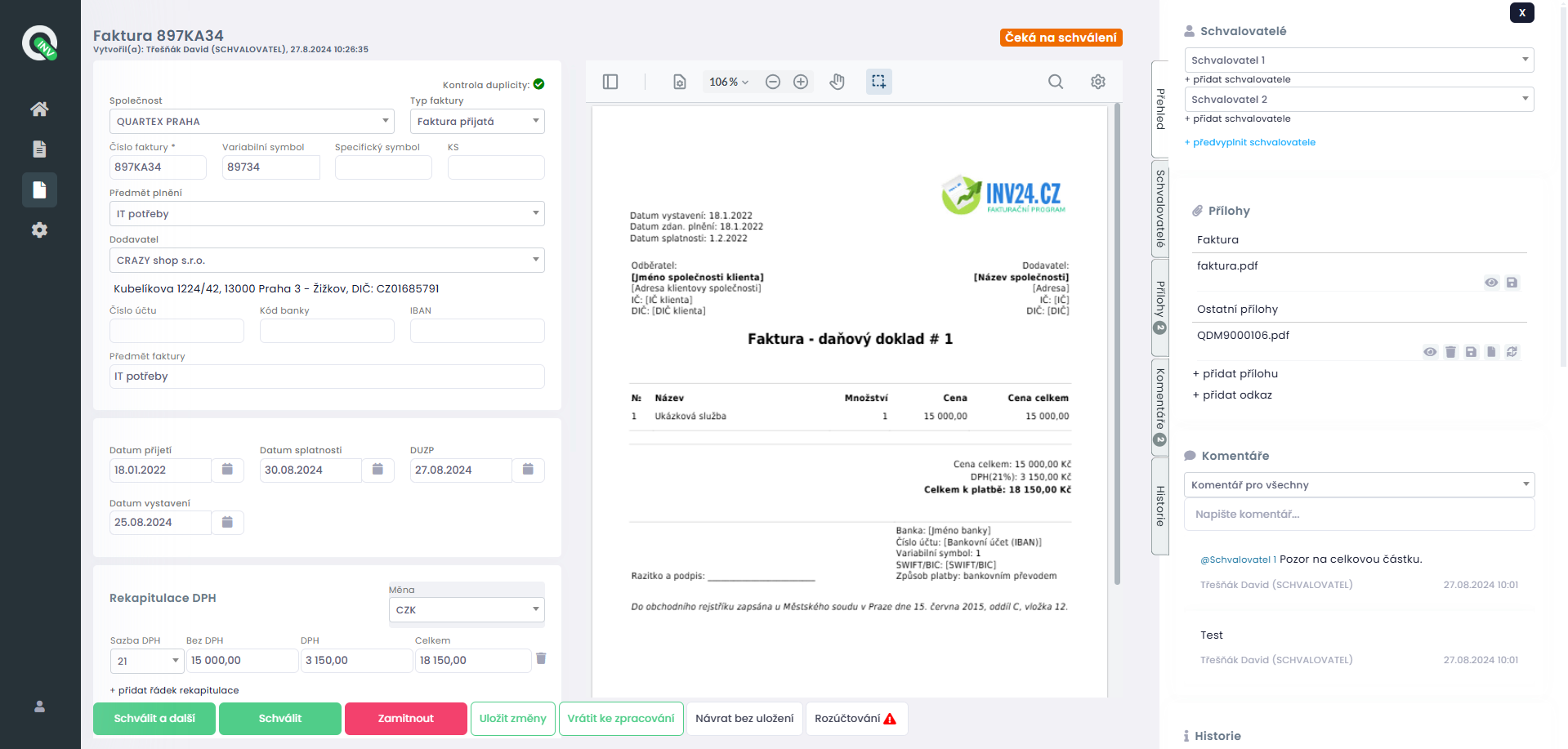
Purchase requests allow purchases to be approved before they are made. They are used to enter a purchase request, which is then approved by the assigned person. After linking the request to the relevant document, you gain a clear overview of the connection and accuracy of the supporting documents.
Viewing and editing VAT directly in the application allows accurate cost allocation by cost centres, projects or other internal rules. This gives you greater control over accounting processes already at the document processing stage.
You can attach related files to documents at any time, such as orders, purchase requests, delivery notes or other supporting materials. Everything remains clearly stored with the relevant document.
Automatic alerts for key actions in the system, such as approval requests, new comments or documents ready for review, ensure that every user knows what needs to be done.
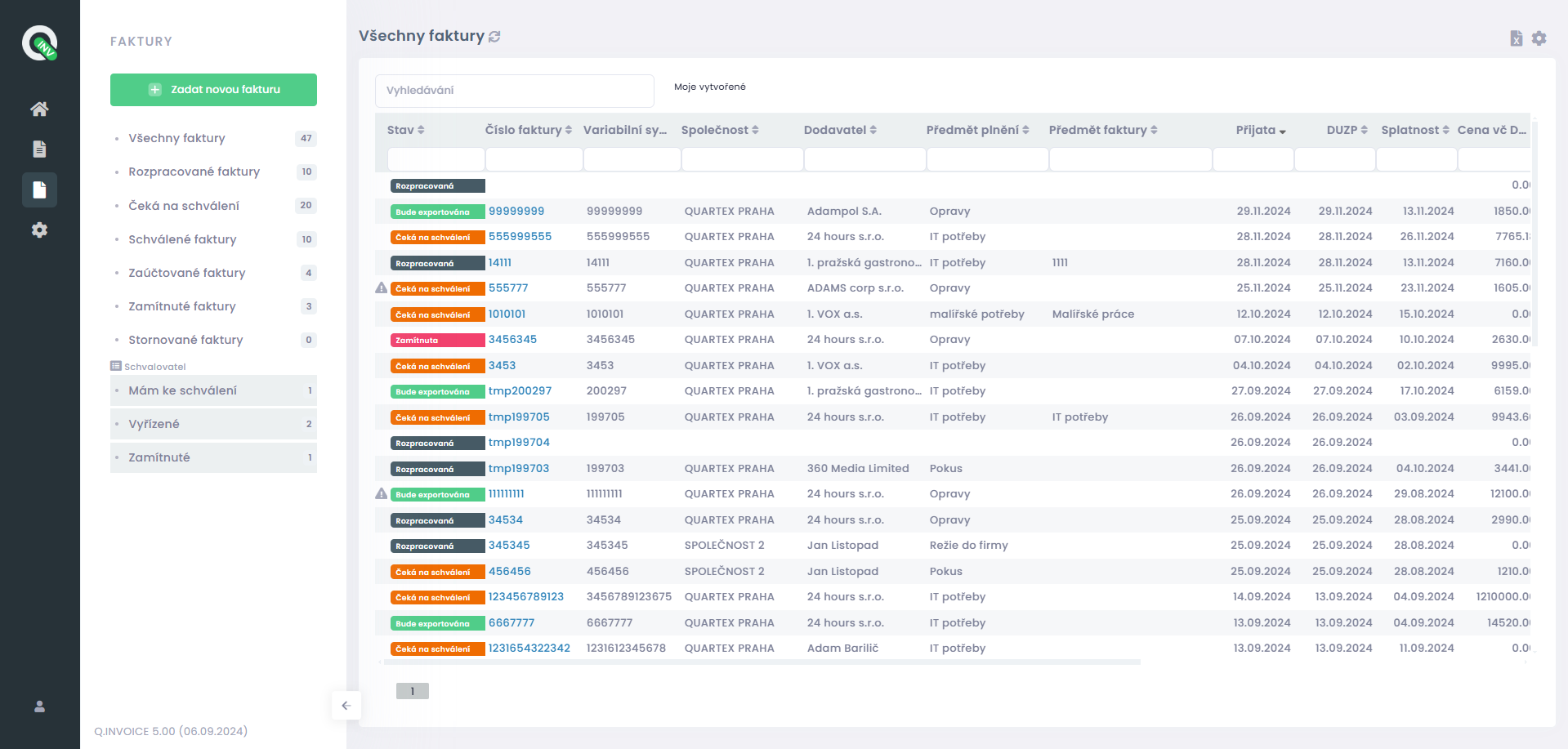
Intuitive forms allow easy and quick manual entry of a document in cases where automatic extraction is not needed or not possible.
All actions performed in the application are recorded in detail. This gives you a complete history of edits, approvals and comments. At the same time, a high level of security and regular data backups are ensured.
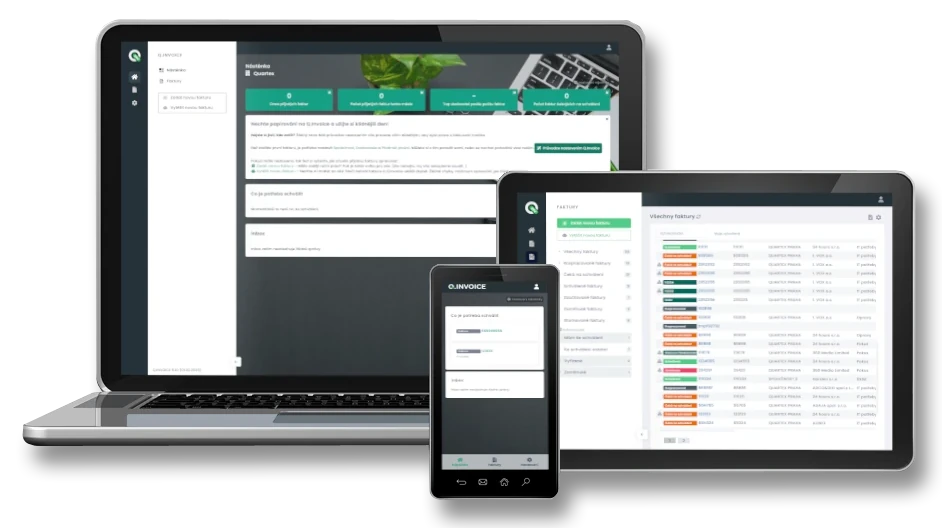
Q.Invoice is a web application available from anywhere and from any device. You can work with documents in the office, from home or on the go.
With the mobile application, you can keep received documents under control even outside the office. Approvers can review and approve invoices, receipts and other documents directly from their mobile phone, so the whole process is not delayed unnecessarily.
Purchase requests allow purchases to be approved before they are made. They are used to enter a purchase request, which is then approved by the assigned person. After linking the request to the relevant document, you gain a clear overview of the connection and accuracy of the supporting documents.
Viewing and editing VAT directly in the application allows accurate cost allocation by cost centres, projects or other internal rules. This gives you greater control over accounting processes already at the document processing stage.
You can attach related files to documents at any time, such as orders, purchase requests, delivery notes or other supporting materials. Everything remains clearly stored with the relevant document.
Automatic alerts for key actions in the system, such as approval requests, new comments or documents ready for review, ensure that every user knows what needs to be done.
Intuitive forms allow easy and quick manual entry of a document in cases where automatic extraction is not needed or not possible.
All actions performed in the application are recorded in detail. This gives you a complete history of edits, approvals and comments. At the same time, a high level of security and regular data backups are ensured.
Q.Invoice is a web application available from anywhere and from any device. You can work with documents in the office, from home or on the go.
With the mobile application, you can keep received documents under control even outside the office. Approvers can review and approve invoices, receipts and other documents directly from their mobile phone, so the whole process is not delayed unnecessarily.
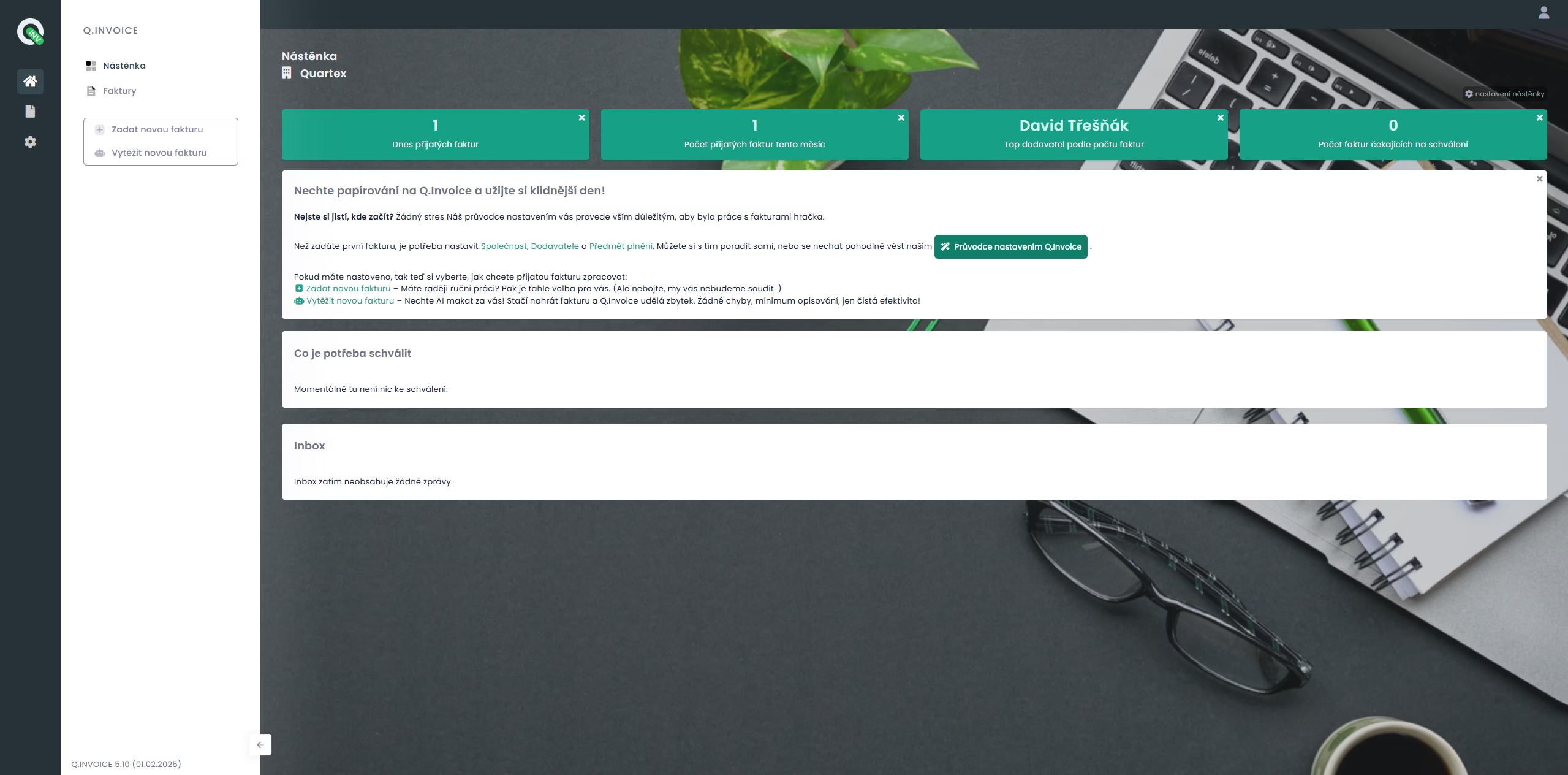
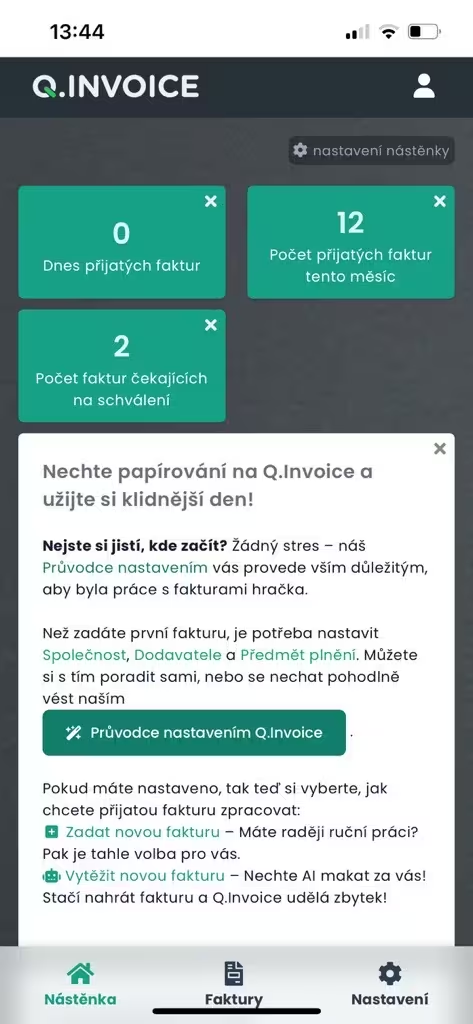
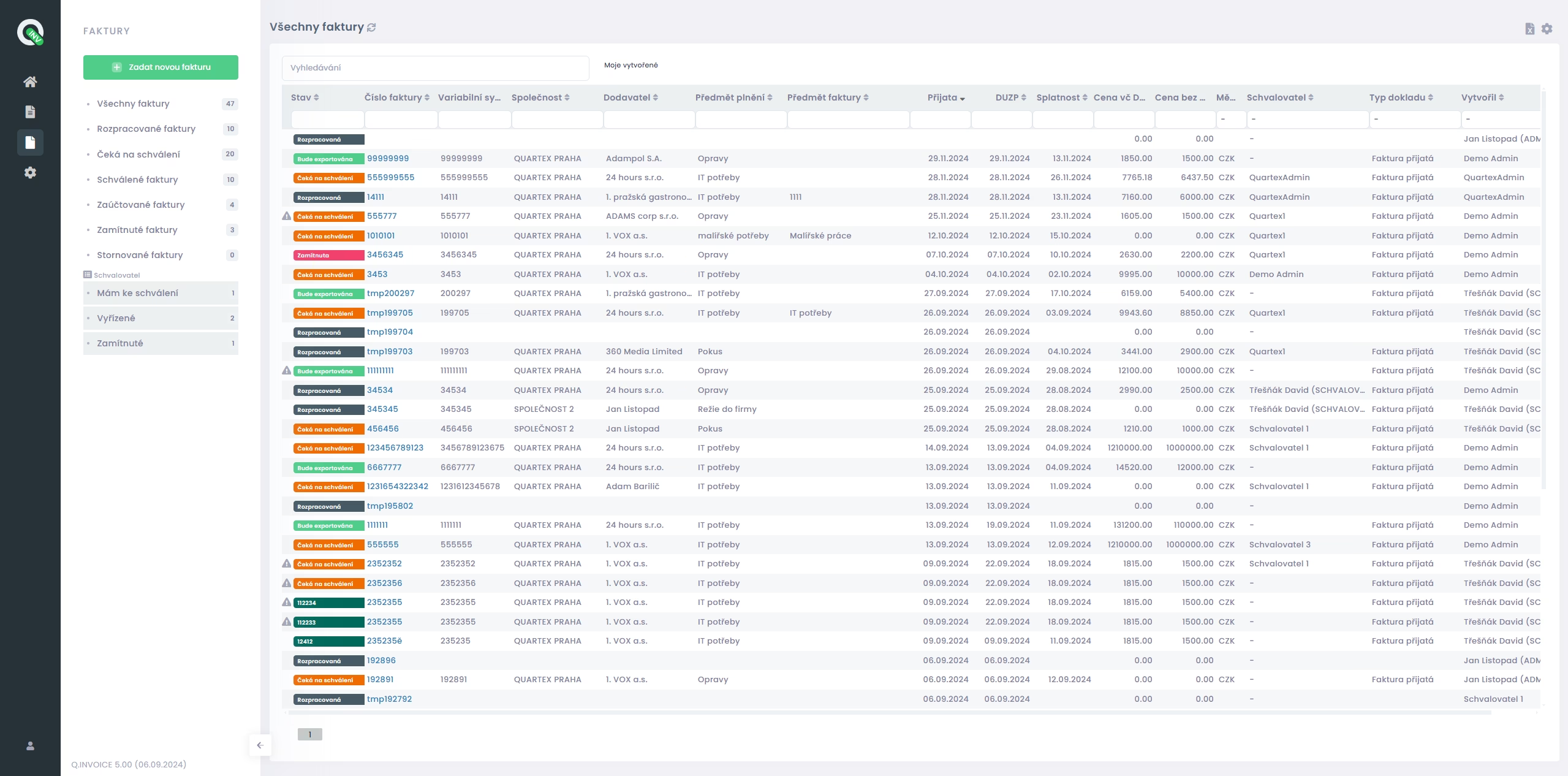
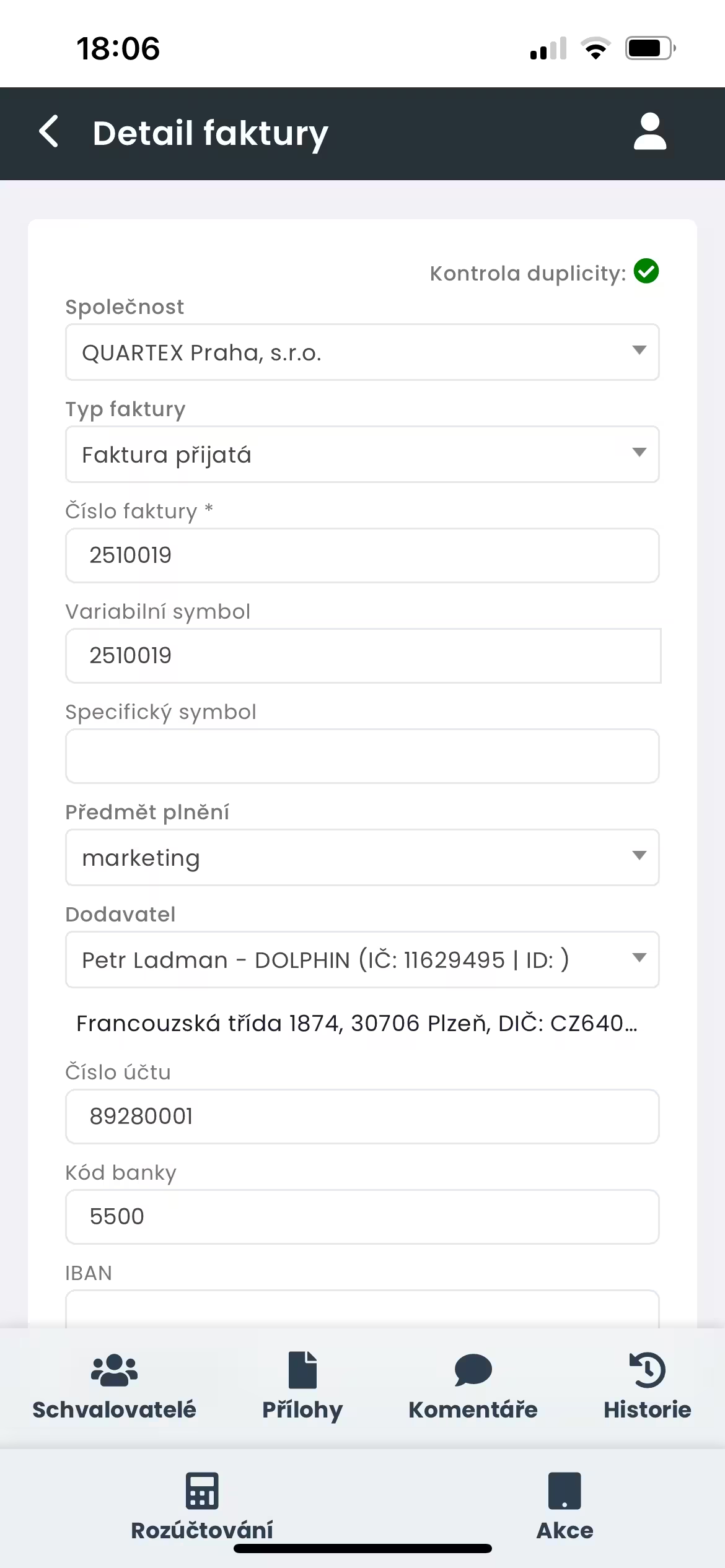
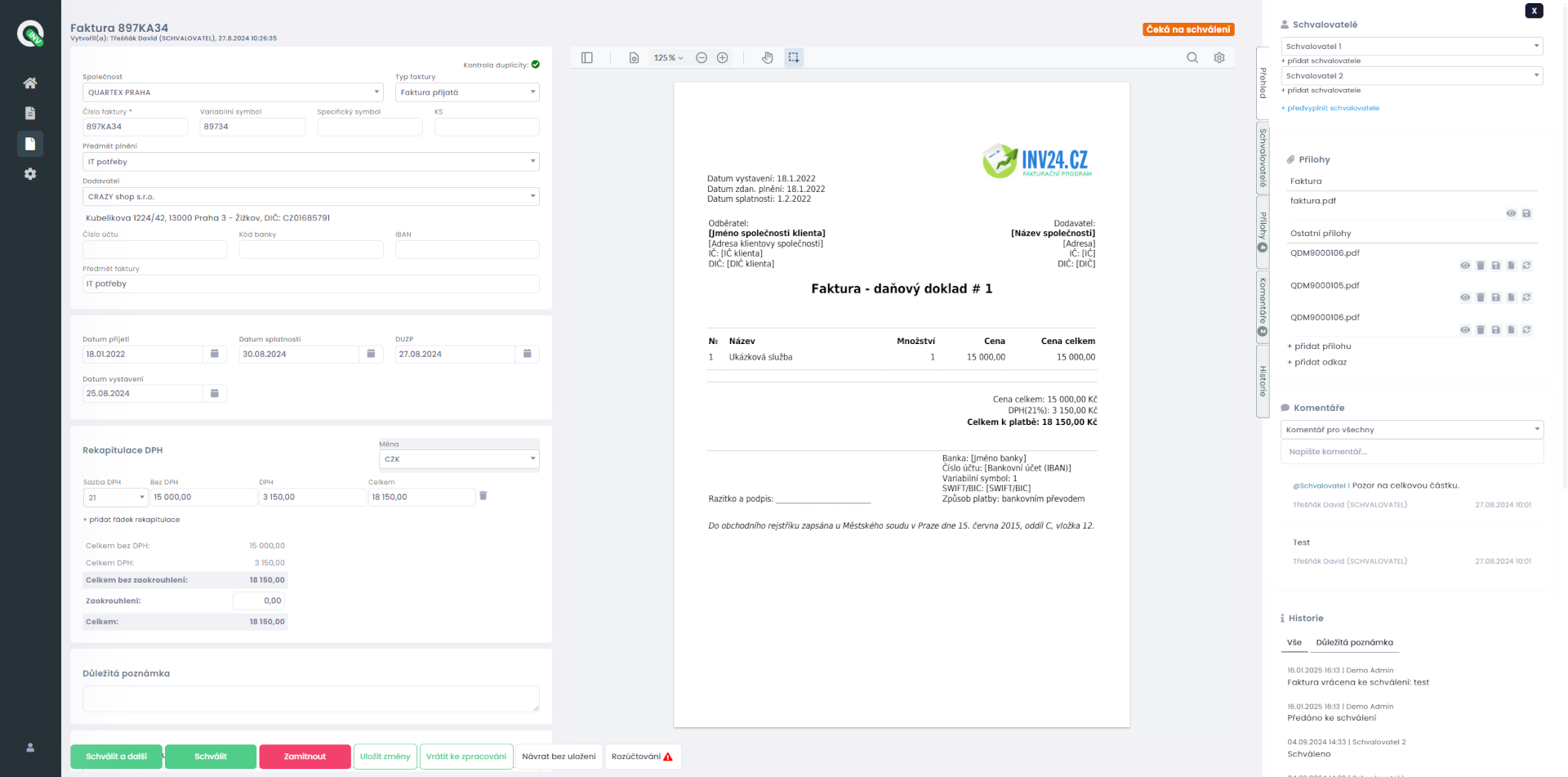
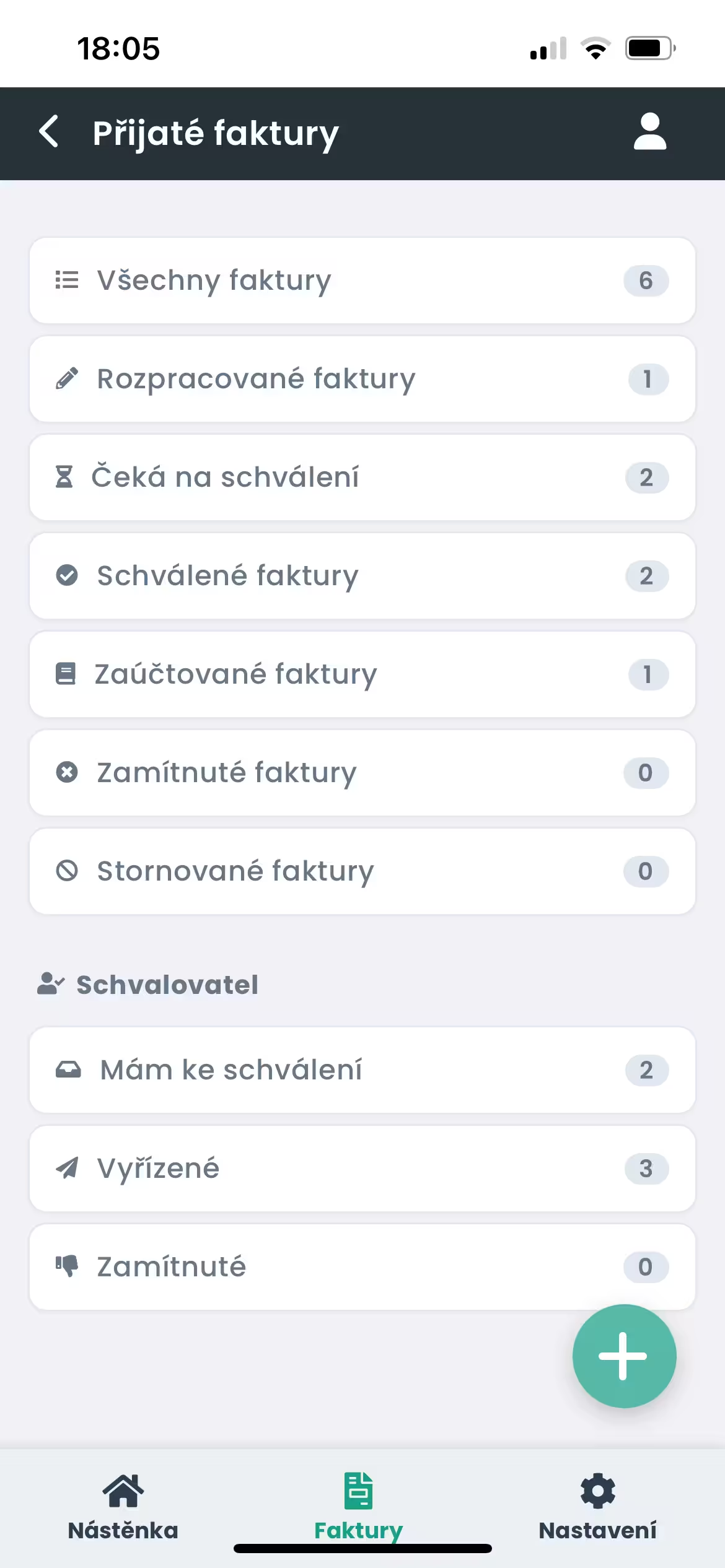
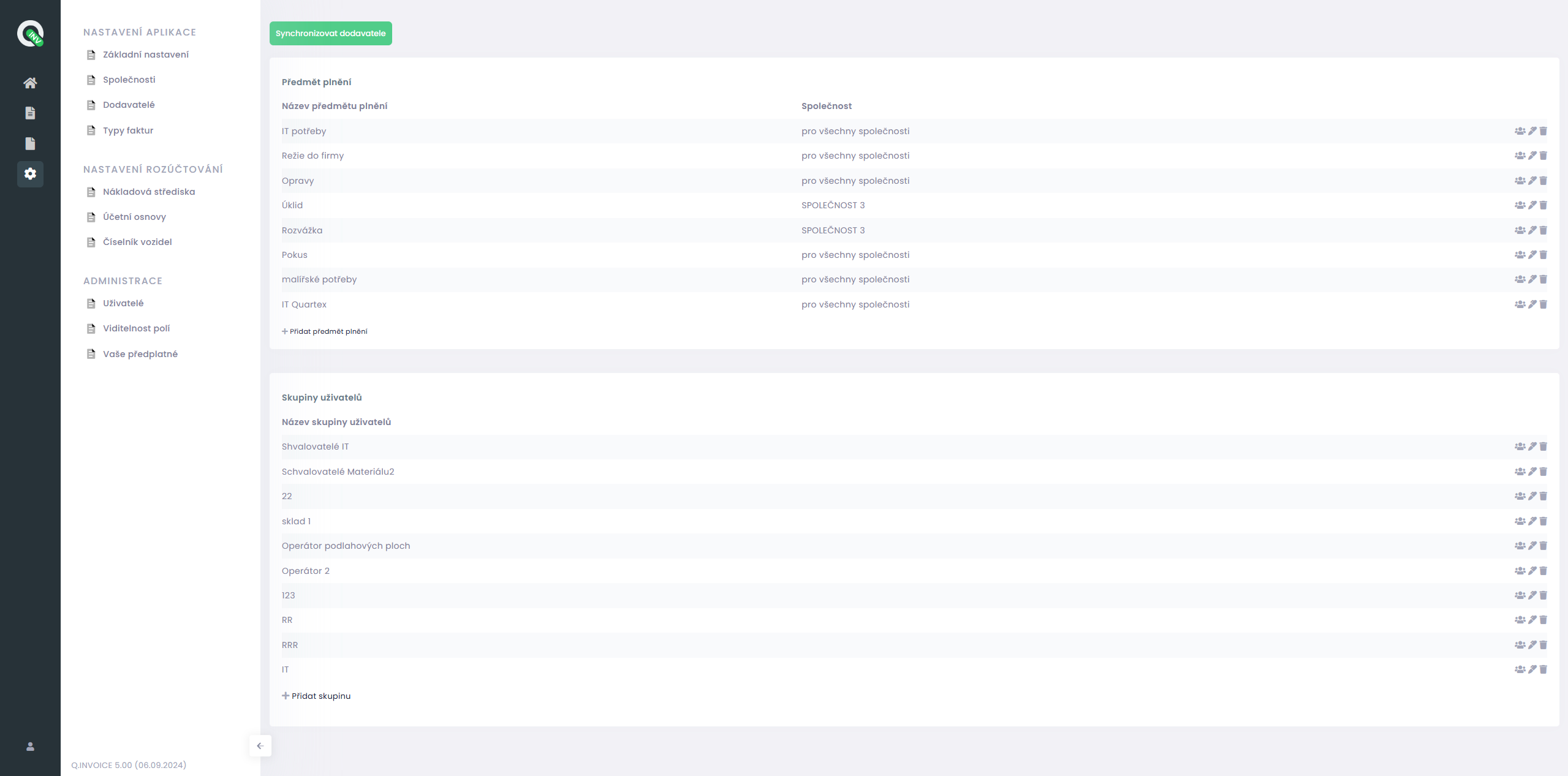
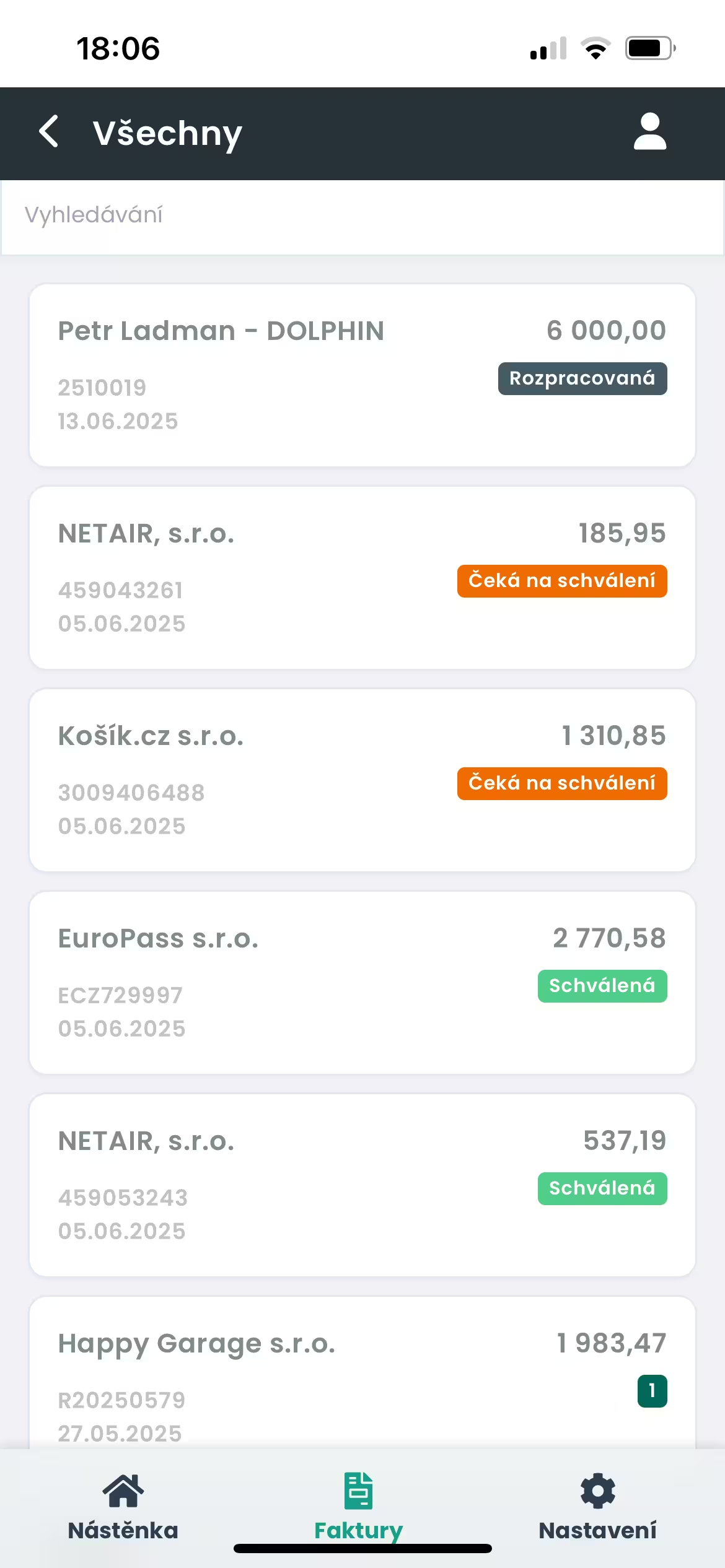
Just send received documents to a dedicated email address, where the application automatically uploads them, or upload them directly into the system. Q.Invoice then processes and extracts them using AI, so important data is clearly prepared without manual rewriting.
You simply review the results, add the necessary details, attach a purchase request or other attachments and use the approval process according to your configured rules. Completed received documents can then be automatically sent to your accounting system.

"We have less manual work and better control over the entire process..."
We wanted to turn incoming invoices into a managed process rather than a manual administrative task. Q.Invoice helps us automatically retrieve invoices from a shared email inbox, process them using AI, route them to the right people for approval, and then transfer them to our accounting system. As a result, we have less manual work and better control over the entire process.
L7 a. s. - Chief Operating Officer
"Processing incoming invoices is faster and more transparent..."
Q.Invoice delivered exactly what we needed. Faster processing of incoming invoices, simpler approval workflows, and a clear overview for all involved users. The intuitive interface and automated document processing powered by AI have helped us significantly streamline daily operations across our entire company and considerably speed up our processes.
L7 Group - Vice Chairman of the Board (Managing Director)
"The application adapted to our internal processes..."
Today, we use Q.Invoice at Accom Czech for managing incoming invoices and credit notes. It has brought us faster approval workflows, better document management, and simpler daily operations thanks to AI-powered data extraction. We also value the flexibility to easily adapt and further extend the system according to our specific internal needs.
Accom Czech - Chief Accountant




Learn how matching goods receipts with incoming invoices helps keep purchasing, approval and accounting processes clear in Q.Invoice.

See how digital invoice record-keeping helps accountants keep incoming invoices searchable, traceable and ready for approval in Q.Invoice.

Try Q.Invoice as a free invoice app for simple document capture, AI data extraction, approval and better...

Understand what OCR means for invoices and how Q.Invoice combines AI extraction, approval workflow and accounting system...

Explore the main benefits of automatic invoice processing, from less manual typing to clearer approval and accounting...