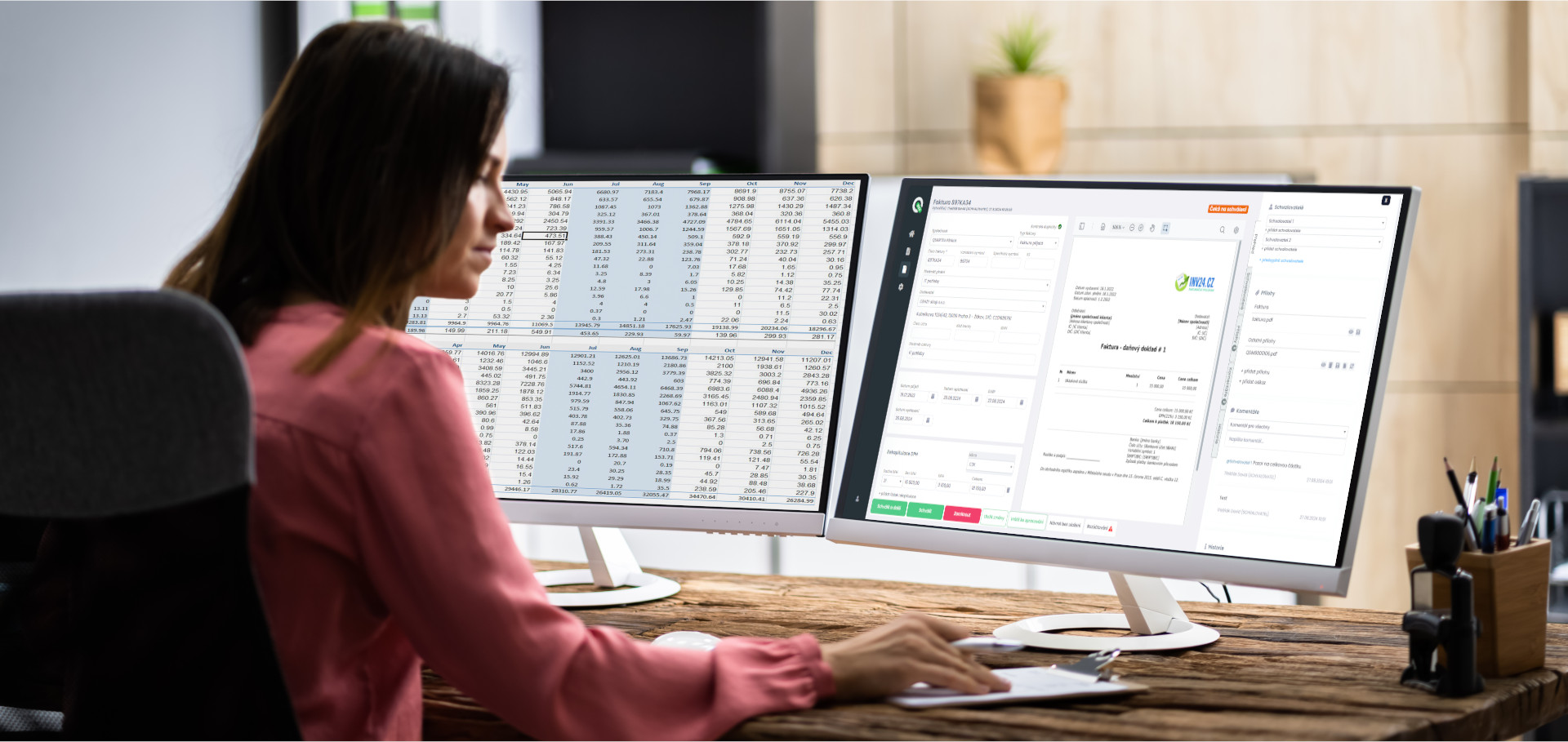
Digital invoice record-keeping: A simple solution for accountants thanks to Q.Invoice
Managing incoming invoices – invoice record-keeping is an essential part of the daily routine for every accounting firm or accountant. Whether you handle one client or dozens of companies, manually rewriting documents and searching for them in emails and binders is long outdated. If you are looking for a way to simplify invoice record-keeping, speed up document processing, and gain better overview, Q.Invoice is the ideal choice.
Digital invoice records make it easier for accounting teams to find a document, check its approval status and keep a clear history of what happened with every incoming invoice.
And most importantly? Everything happens automatically – from invoice receipt, through data extraction, to transfer into the accounting system and feedback on posting.
A simple solution for accountants
Accountants often need an efficient tool for managing invoices of various clients – documents arrive physically by mail, email, or are uploaded in different formats. Q.Invoice allows you to easily receive, extract, send to the accounting system, store, and securely archive all invoices received from clients. Each client has their own account in Q.Invoice, so invoices are not mixed, and the accountant has a clear overview.
Incoming invoices are recorded in Q.Invoice clearly and digitally, so no more binders or lengthy searching. The accountant simply opens the application, where each client has an assigned folder with their invoices. The application also allows storing not only invoices themselves but also attachments and other documents, making invoice record-keeping clear and fast.
💡 What might accountants miss in a standard accounting system?
➡️ Standard accounting systems can post invoices, but they often cannot:
- Automatically receive invoices via email – accountants must manually download and upload them.
- Automatically extract data (OCR) – invoice data needs to be rewritten.
- Clearly manage attachments and comments – easy retrieval of attachments is not guaranteed.
- Show what has already been posted and what has not – there is no clear feedback overview.
✅ Q.Invoice fills all these gaps:
- It automatically receives invoices via a collection email.
- It extracts key data and prepares invoices for posting.
- It allows accountants (or even clients) to view documents clearly and securely.
- If the client wants, they can directly participate in invoice approval.
The accountant thus gains a complete overview and saves significant time, as everything runs simply and automatically.
How does invoice record-keeping in Q.Invoice work in practice?
🔹Receiving invoices via email
Q.Invoice allows setting up a collection email for each client. Clients do not need to physically deliver invoices – they simply send them to this dedicated email, which belongs directly to them and is used only for invoices. The application automatically retrieves the invoice, assigns it to the client, stores it, and prepares it for further processing. No more searching through emails for invoices sent by clients!
🔹Automatic data extraction
Artificial intelligence (OCR) extracts key data from the invoice – supplier, amount, due date, and other details. The accountant no longer needs to rewrite everything and waste time, only to check and confirm.
🔹Control and archiving
Once the data is correct, the invoice is securely stored in a digital archive, where it remains accessible at any time. Invoice record-keeping is thus complete and clear.
🔹Transfer to the accounting system
Once the invoice is ready after review, it can be automatically transferred to the accounting system (e.g., iDoklad, Pohoda, etc.). The accountant does not need to rewrite anything manually, and the transfer is fast and error-free.
🔹Feedback transfer to Q.Invoice
After posting in the accounting system, information about the posting is transferred back to Q.Invoice – for example, the accounting document number or posted amount. This gives the accountant perfect visibility of what is done and what remains.
No complicated workflows – but with options for clients
Accounting firms usually do not need approval workflows, as invoices arrive already approved by clients. However, a big advantage is that if the client wants to use workflows, they can – the accountant simply adds them as a user in Q.Invoice. The client then gains access to the application and can set up their own approval processes according to their business needs. This makes Q.Invoice a full-fledged tool not only for accountants but also for their clients.
Advantages of digital record-keeping for accountants
✅ Time savings – Manual rewriting and scanning are a thing of the past. Accountants receive all invoices directly in digital form.
✅ Security and backup – All documents are stored in a secure cloud, accessible only to authorized users.
✅ Clarity and organization – Invoices are clearly sorted by client and easy to find.
✅ Transfer to accounting and back – Posted invoices are sent back to Q.Invoice, giving accountants full visibility.
✅ Client involvement option – Clients can approve invoices themselves directly in Q.Invoice or use the request module for pre-approval of purchases.
✅ Access from anywhere – Just a browser is enough – no installation needed. Accountants can review invoices even from home office.
How to get started?
Getting started is easy!
Q.Invoice also offers a FREE plan that allows accountants to try all key features – including automatic data extraction and simple invoice record-keeping. Once they verify that the program suits them, they can upgrade at any time and connect Q.Invoice directly to their accounting system.
Case study
For example, a small accounting firm that previously received invoices from clients via email or had to collect them physically and manually rewrite them into the accounting system switched to Q.Invoice. Thanks to this, they now have all client invoices safely stored in one place and no longer need to rewrite anything. No more phone calls asking where invoices were sent or where a specific invoice is.
Clients send invoices directly to the collection email, and the accountant has them ready for future posting. The accountant then checks the data, sends it to the accounting system, posts it, and that’s it – they also have visibility of what happens next, because the invoice returns to Q.Invoice with a number from the accounting system. And if it happens that an invoice is entered only into the accounting system? No problem! It is still sent to Q.Invoice archive, even if it was not originally in Q.Invoice.
And if a client wants to use an approval workflow, it’s no problem – the accountant simply sets up access and the client joins the process.
Conclusion
Q.Invoice is the ideal solution for accounting firms that want to digitalize invoice intake from their clients and keep invoice records under control. Clear invoice record-keeping, automatic data extraction, transfer to the accounting system, and feedback transfer of statuses – all in one user-friendly tool. And if the client needs approval workflows or purchase requests? Q.Invoice can handle that too.
💡 Want to try it?
Try Q.Invoice for FREE and discover how simple invoice processing and record-keeping can be – for you and your clients.
👉 www.qinvoice.cz – get started today. Or visit our company website and arrange an individual solution 👉 www.quartex.cz
With Q.Invoice, invoice records are part of the same digital workflow as approval and accounting handover, so the document is not just stored, but also traceable.
Want to see how Q.Invoice could work in your company?
Try Q.Invoice for free or book a short consultation. We will look at your incoming invoices, approval workflow and accounting system connection.