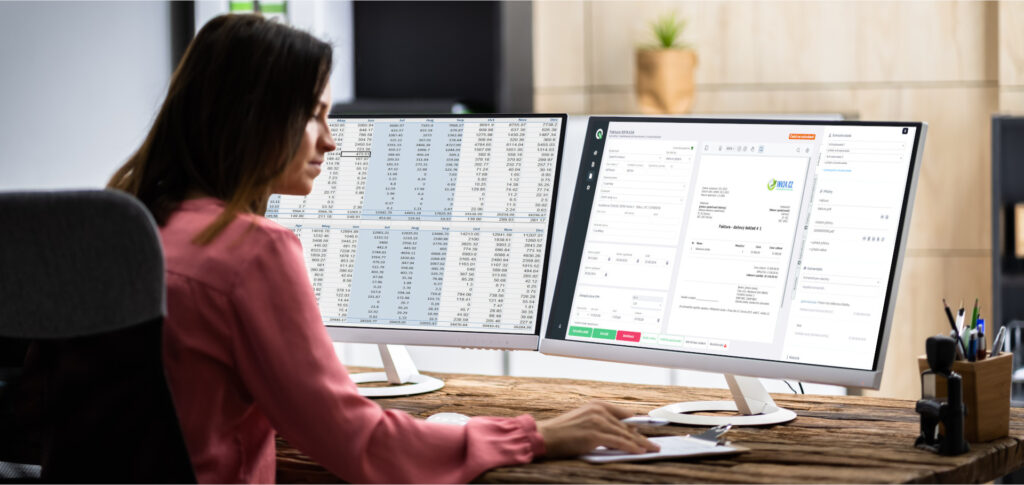
All your business documents in one place

Q.Invoice keeps invoices, receipts and purchase requests in one place. You can review and approve them easily, then transfer approved documents to your connected accounting system.

01

Received invoices

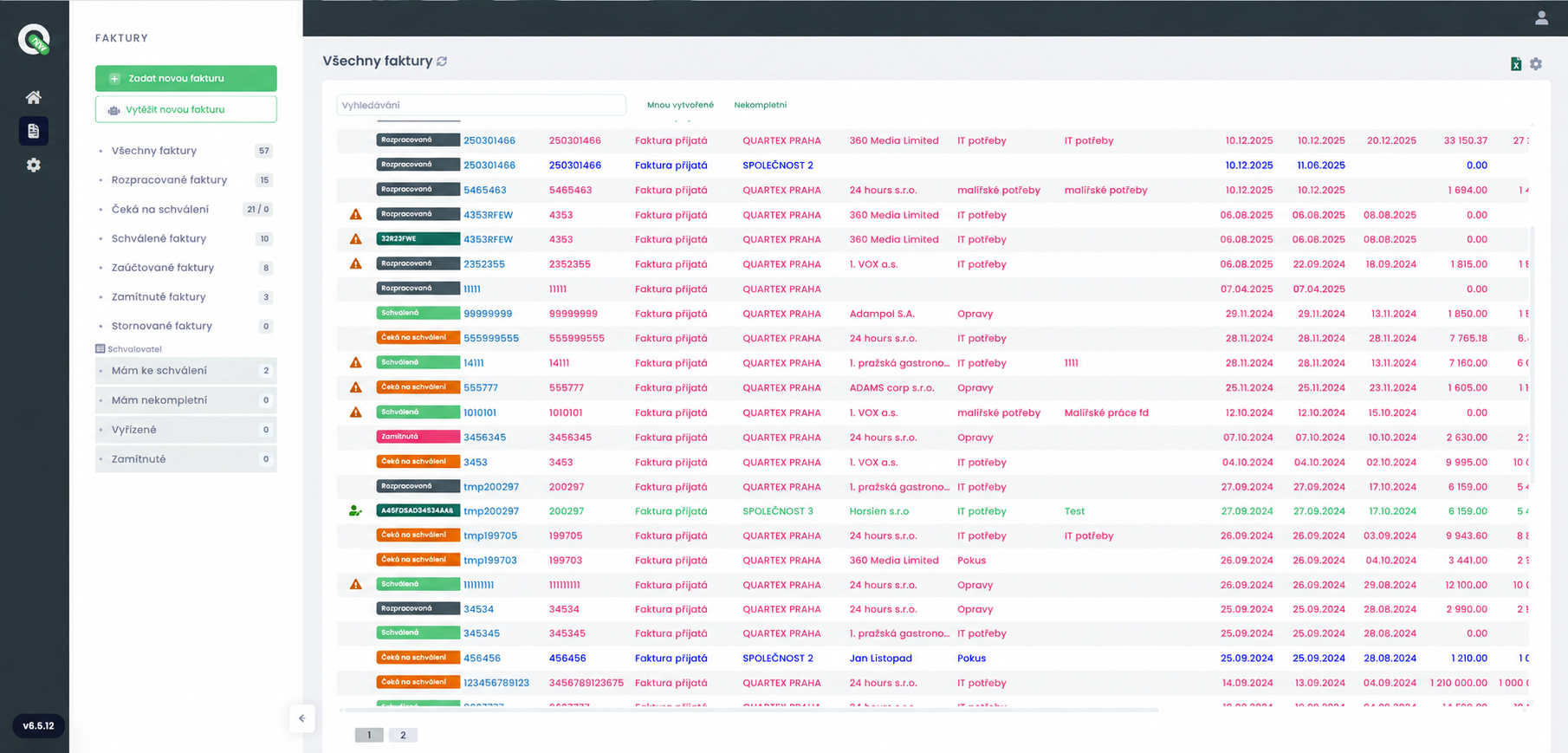
An invoice arrives in a collection mailbox or you upload it to the application. Q.Invoice provides automatic invoice processing and reads the data you would otherwise enter manually.

You review the data and send the invoice for approval. Once approved, it can continue directly to accounting.

02

Receipts

An employee photographs a receipt or uploads it to Q.Invoice, selects the payment method and submits it for approval.

The accounting team can see who made the expense, how it was paid and whether it has been approved. The receipt can then continue to accounting.

03

Purchase requests

You can create and approve a purchase request before the purchase takes place.

The employee specifies what they want to purchase and the responsible person approves the request. When the invoice arrives, the two documents can be linked.

04

Matching with purchase orders and goods receipts

Received invoices can be linked to purchase orders and goods receipts in your ERP system.

You can verify whether an invoice matches the purchase order and goods receipt and compare delivered and invoiced items more easily. The available scope depends on your ERP integration.

See how Q.Invoice works

Play the Q.Invoice video

Invoices are loaded automatically. You stay in control of every step.

Automatic invoice data extraction

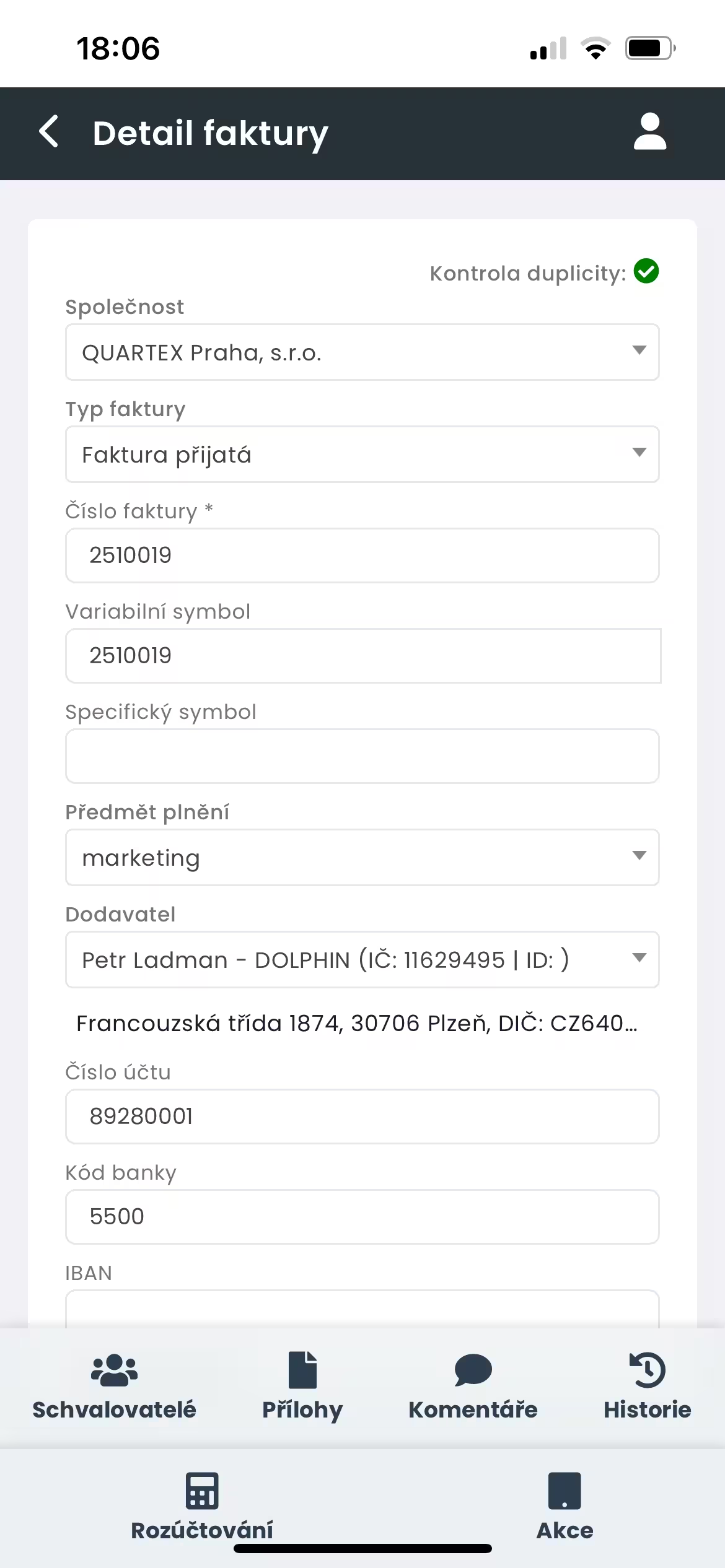
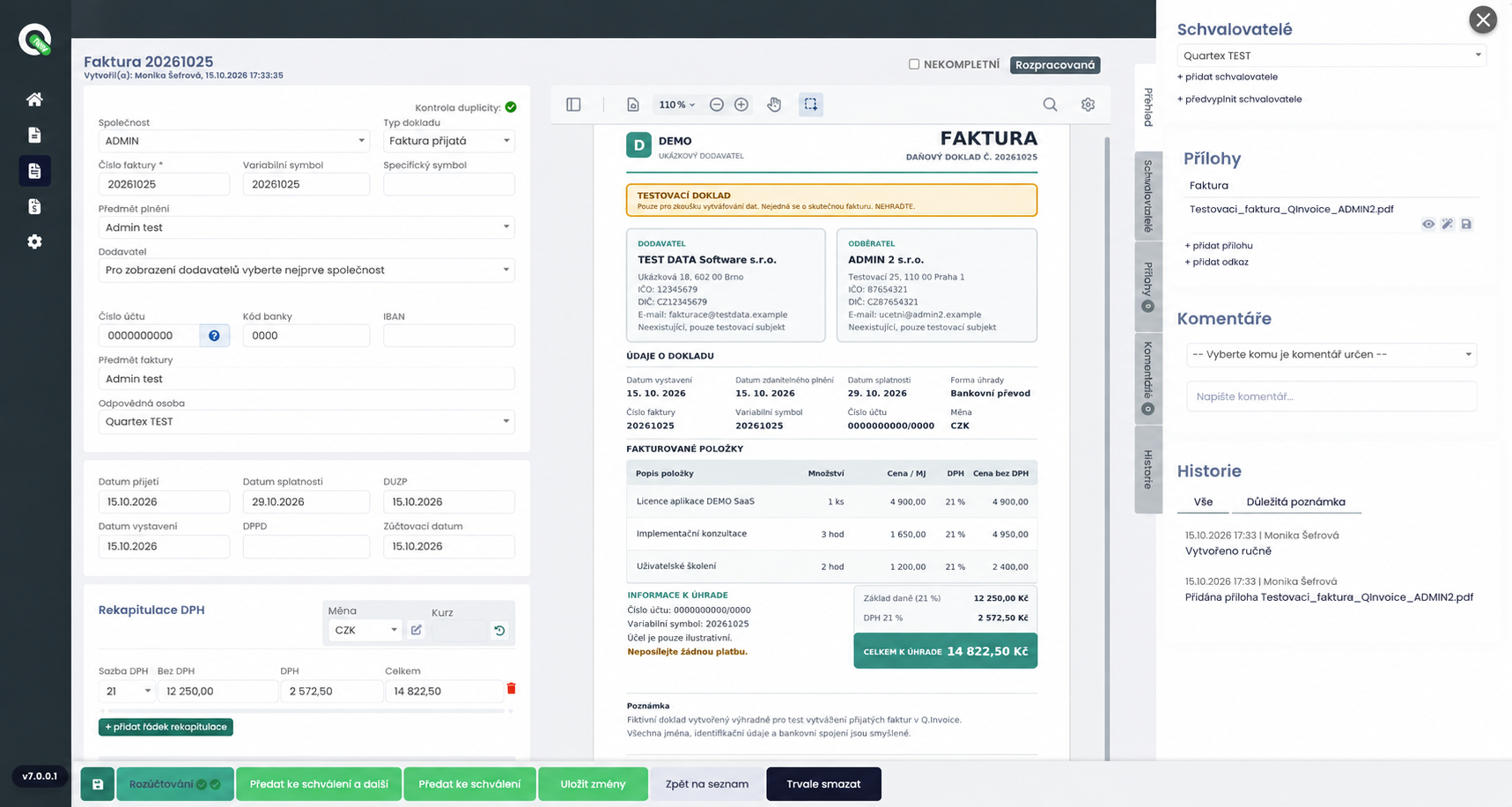
Q.Invoice reads the supplier, document number, amount and due date from an invoice and automatically fills in the form.

You review the data, add any missing information and submit the invoice for approval without retyping individual fields.

Unprocessed email monitoring

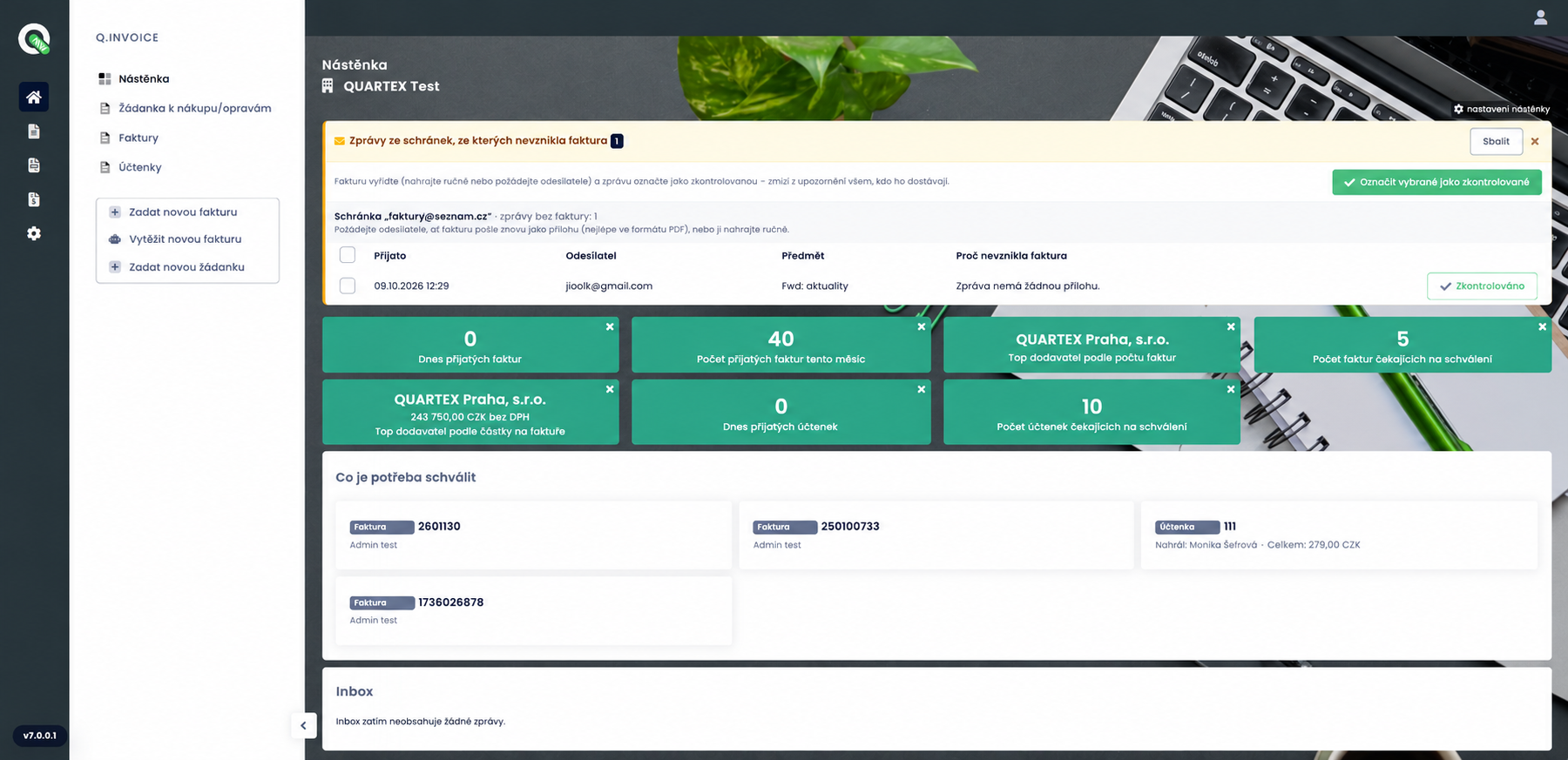
The Q.Invoice dashboard alerts you to emails that did not produce an invoice. You can see the sender, subject and the reason why the message was not processed.

Notifications can be sent for individual messages or as a daily summary. Reviewed messages can be marked so that the same email does not create an invoice twice.

Automatic bank account verification

When an invoice is loaded, Q.Invoice automatically checks whether the supplier’s bank account is published in the Czech VAT payer register, where applicable.

When Q.Invoice is connected to an ERP system, it also checks whether the account exists in your accounting system, allowing discrepancies to be resolved in time.

Approvals based on company rules

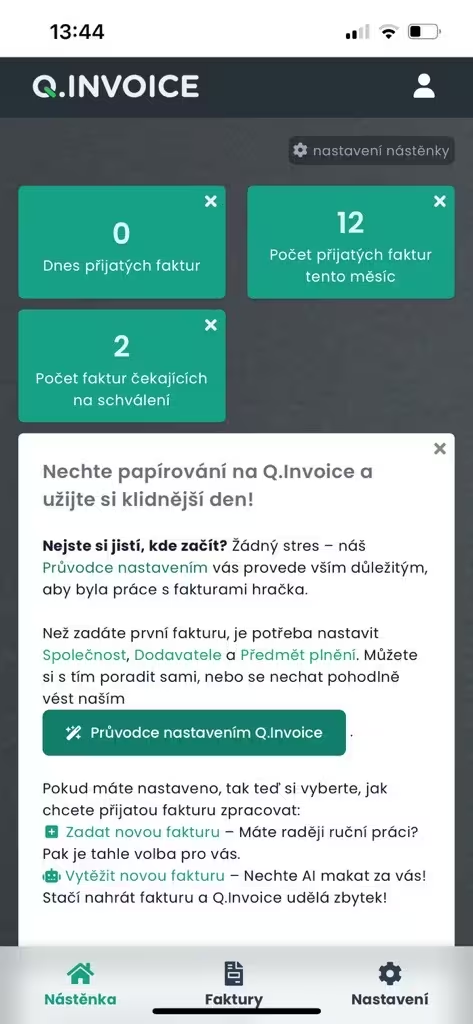
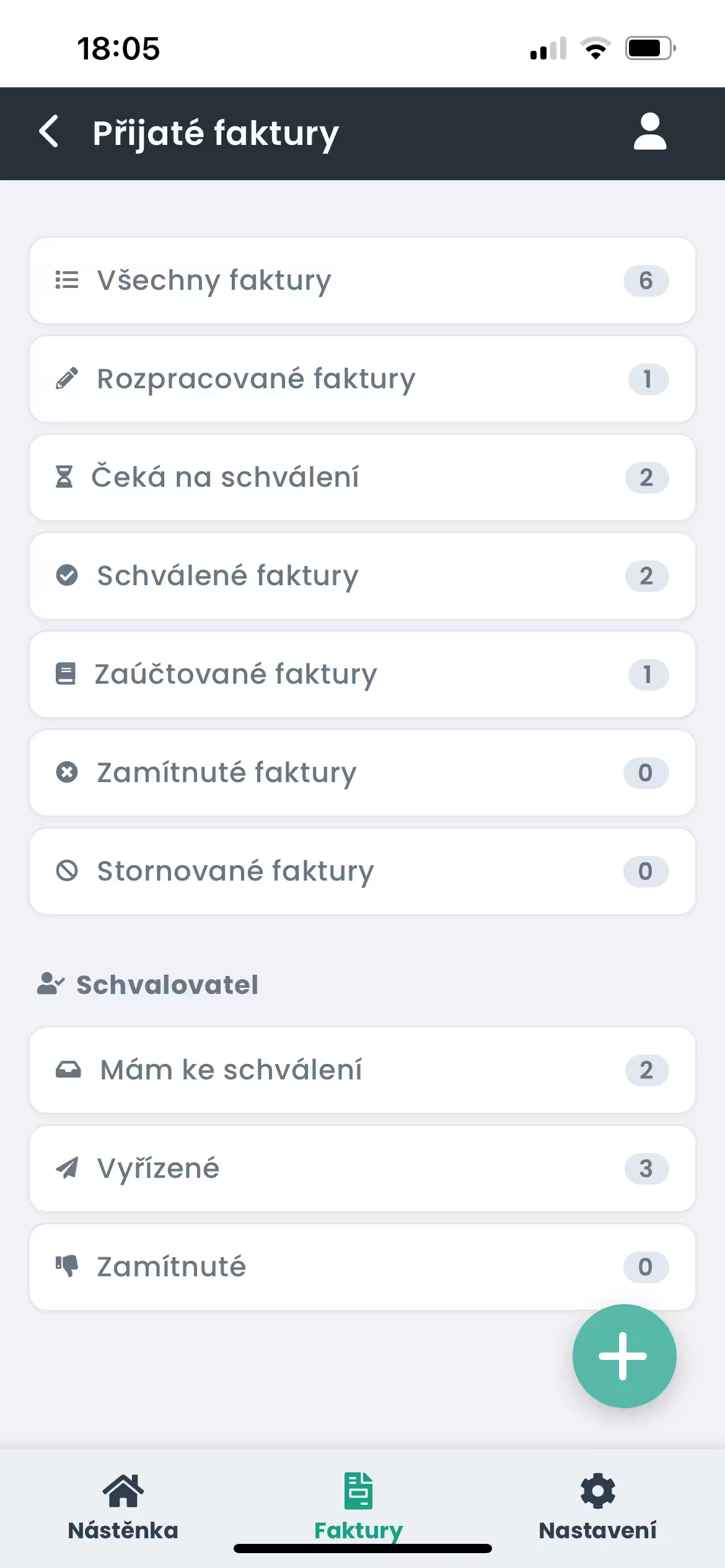
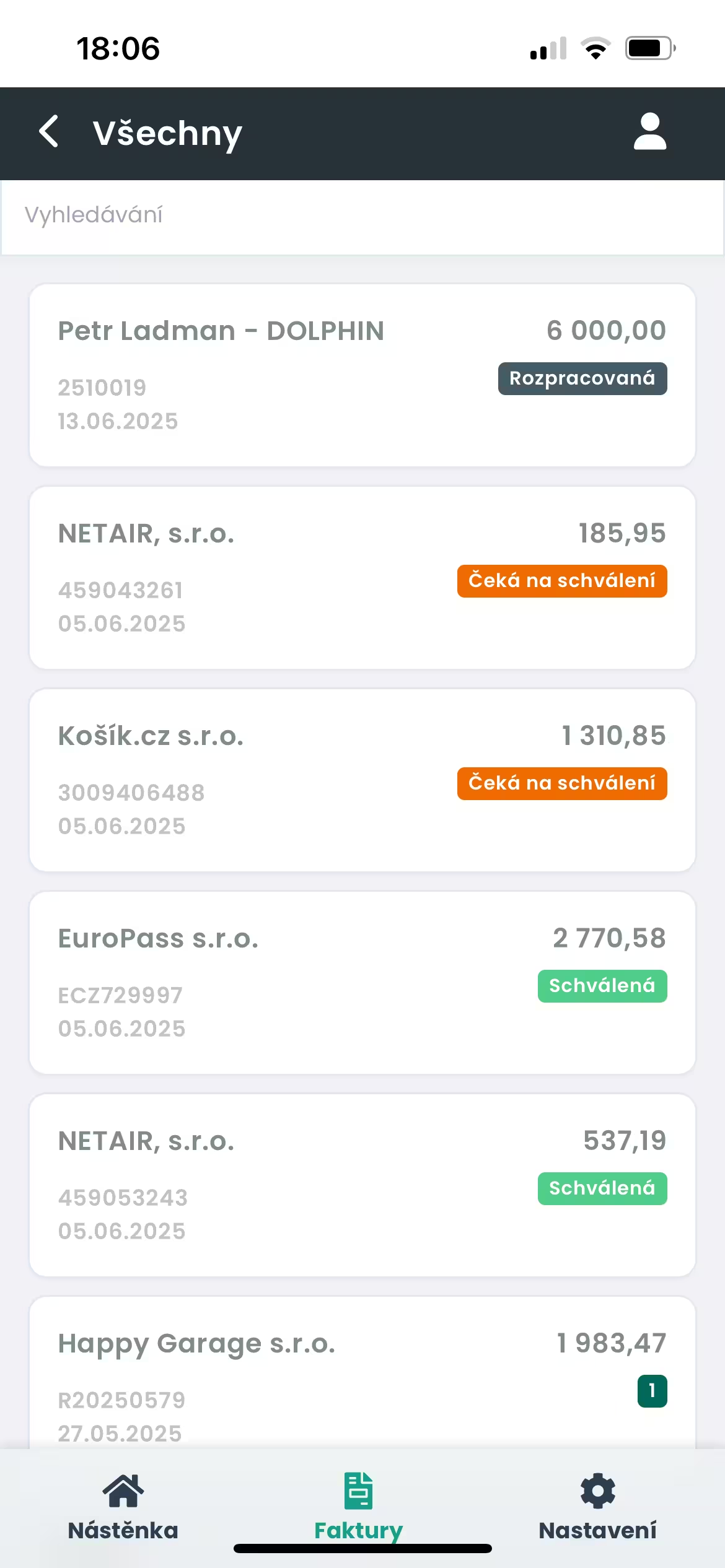
Submit an invoice for approval directly in Q.Invoice. Each approver sees the documents waiting for them and can approve them on a mobile phone. Approval workflows follow your company rules.

The history shows who approved, rejected or returned an invoice for completion.

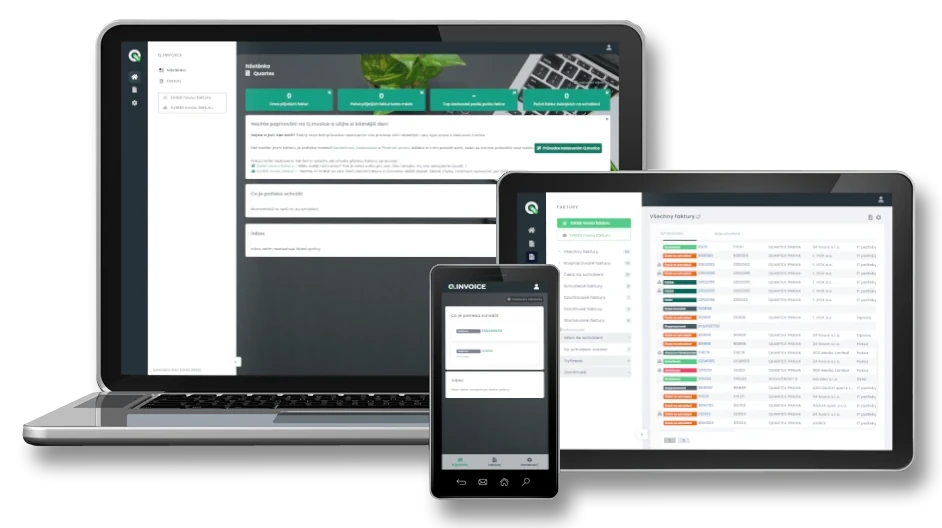
What does Q.Invoice look like?

Your invoices and receipts are stored securely

Q.Invoice stores documents in the secure FORPSI Cloud environment in European data centres.

Controlled user access

Each user sees only the documents and functions permitted by their role.

Change and approval history

For every invoice, you can see who edited or approved it, when they did so and what happened during processing.

Regular backups

Documents are backed up regularly to help reduce the risk of losing stored data.

Secure cloud infrastructure

Stored information is protected by technical and organisational security measures.

We adapt Q.Invoice to your company rules

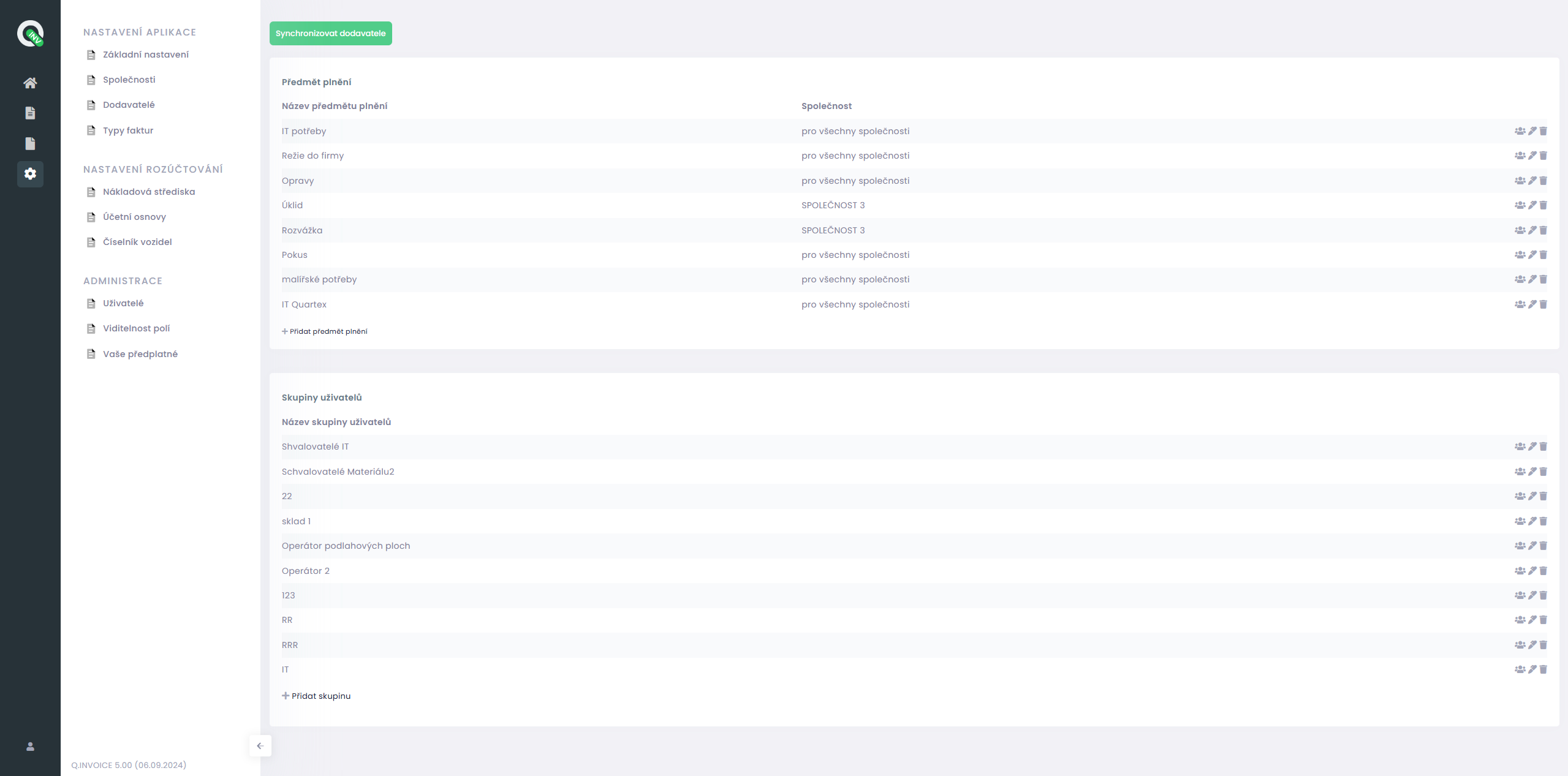
Every company has different approval and accounting processes. Use Q.Invoice in its standard form or let us adapt its functions to your needs.

Developed by our Czech team

Q.Invoice is developed by Quartex Praha. With more than 25 years of experience in enterprise systems, we support both everyday operation and further development of the application.

Customisation and integrations

Need a different approval workflow, a specific check or another feature? We can customise Q.Invoice and connect it with Microsoft Dynamics 365 Business Central, Dynamics NAV, Pohoda, iDoklad and other systems.

Czech technical support

Your questions are handled by the Czech team that knows the application. We help with setup, everyday use and further development. Email support, helpdesk and other assistance are available depending on your plan.

Q.Invoice helps companies in their daily operations

Q.Invoice helps small businesses and large organisations reduce manual invoice entry, simplify approvals and keep documents under control. It can also connect to accounting systems or be customised when needed.

Choose Q.Invoice according to your company’s needs

Request a free Q.Invoice demo. If you need to process more documents or manage multiple companies, we will prepare an individual offer based on your needs.

Free Q.Invoice plan

FREE DEMO

We will prepare your free demo on request.

  • Up to 2 users
  • 10 invoices per month
  • Document data extraction
  • No time limit
  • No credit card required
Individuální řešení

INDIVIDUÁLNÍ ŘEŠENÍ

Q.Invoice přizpůsobíme potřebám vaší firmy.

  • Objem zpracovávaných dokladů na míru
  • Jedna nebo více společností
  • Faktury, účtenky a další doklady
  • Individuální schvalovací procesy
  • Možnost propojení s účetnictvím

News and practical experience from accounting digitisation

Learn how to reduce manual invoice work, configure approvals and prevent errors. We also share practical experience with connecting documents to accounting systems.

Want to read more? Continue reading

Request a free demo

Would you like to try Q.Invoice? Send us a no-obligation request. We will contact you, clarify what you need to test and prepare a free demo for your company.

  • Quartex Praha, s.r.o.
    Nádražní 203/9, 250 64 Měšice
    Q Park Měšice area.

    Company ID: 25678230
    VAT: CZ25678230

    Registered at the Municipal Court in Prague, Section C, Insert 60466
  • +420 602 740 062
  • info@qinvoice.cz
    www.quartexpraha.cz
  • Working hours
    Mon-Fri 9:00 - 17:00

By submitting this form, you consent to the processing of personal data for the purpose of handling your inquiry and subsequent communication. Details can be found in the Personal Data Processing Policy.